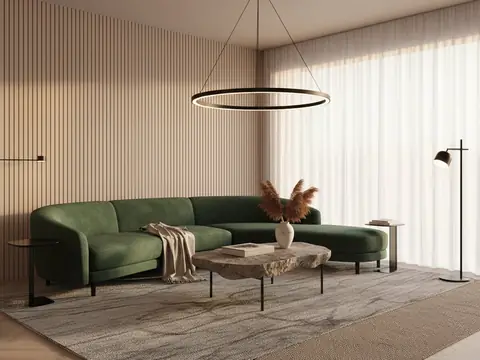
AI interior design for Indian homes, from one photo of your room

Take one photograph of a room you already live in, pick a style, and Nivista shows it finished in about 30 seconds — same windows, same light, same room. Restyle everything, keep your walls and floor and change only the furniture, or start from an empty shell. Decide what you like before you spend on a single piece.

Free to join · 3 credits to start · No card

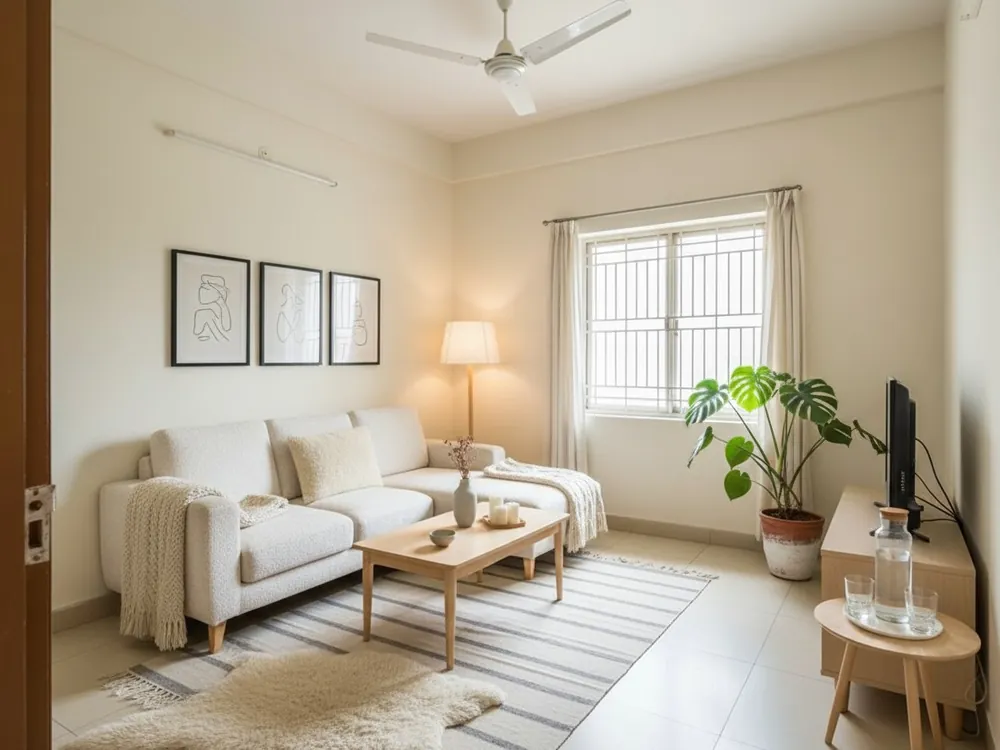
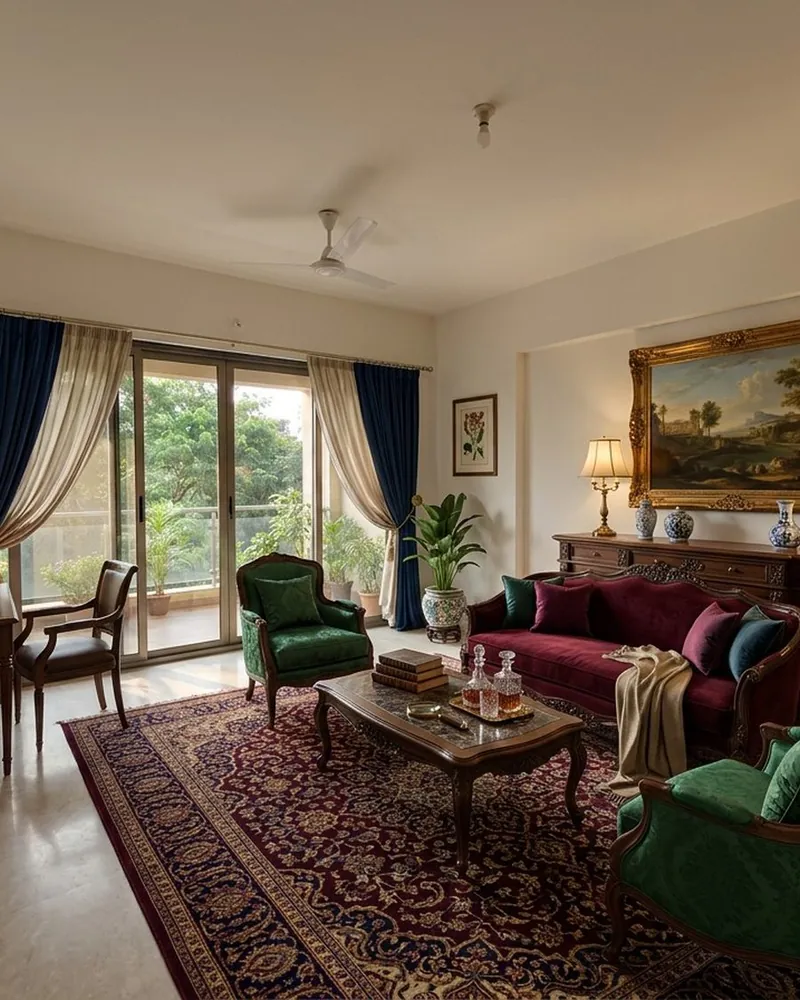
After: the same room, redesigned
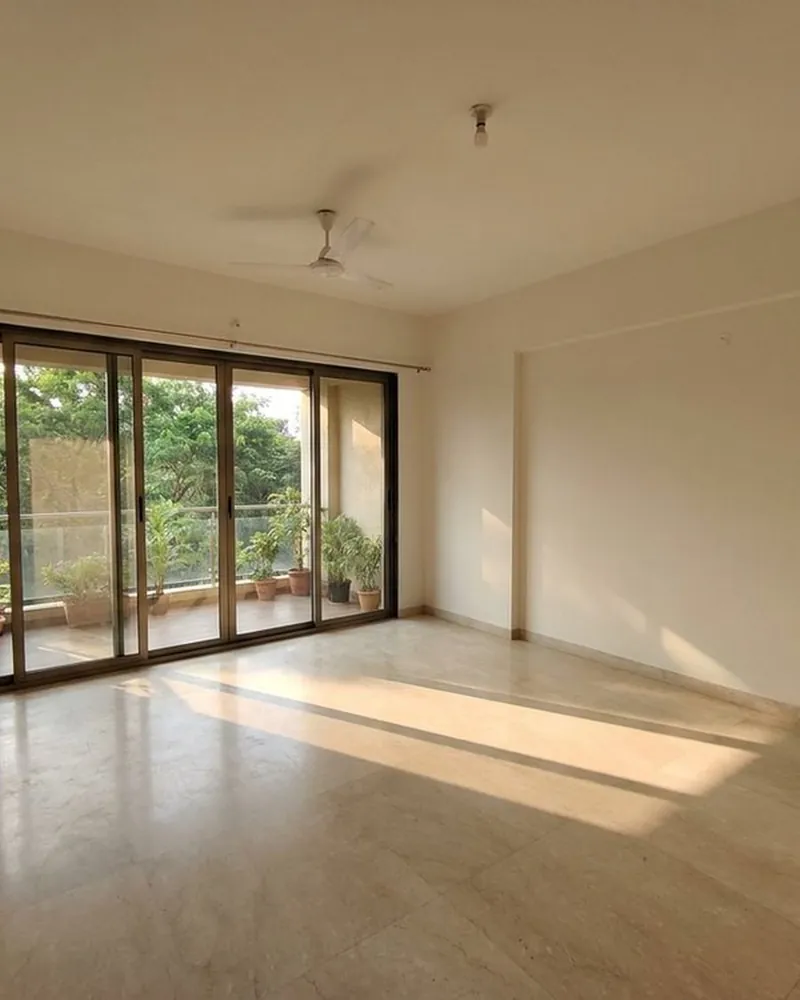
  • Before: the room as photographedBefore: the room as photographed
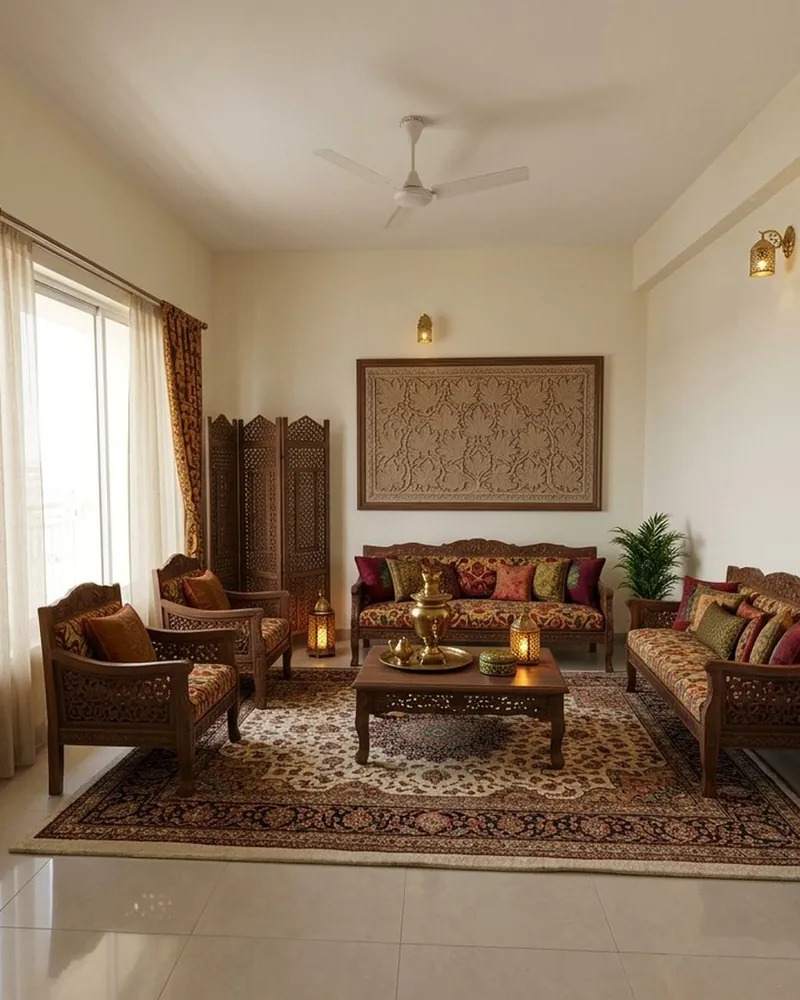
  • After: the same room, redesignedAfter: the same room, redesigned
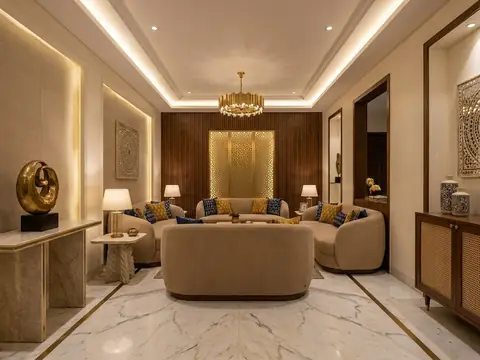
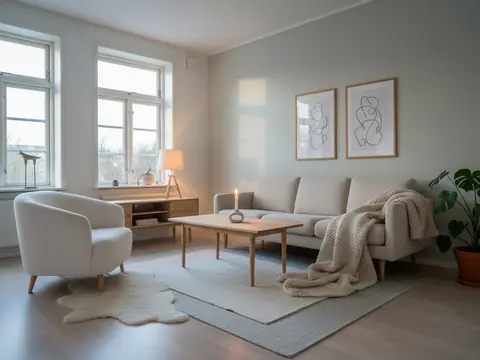
  • A living room in a new styleA living room in a new style
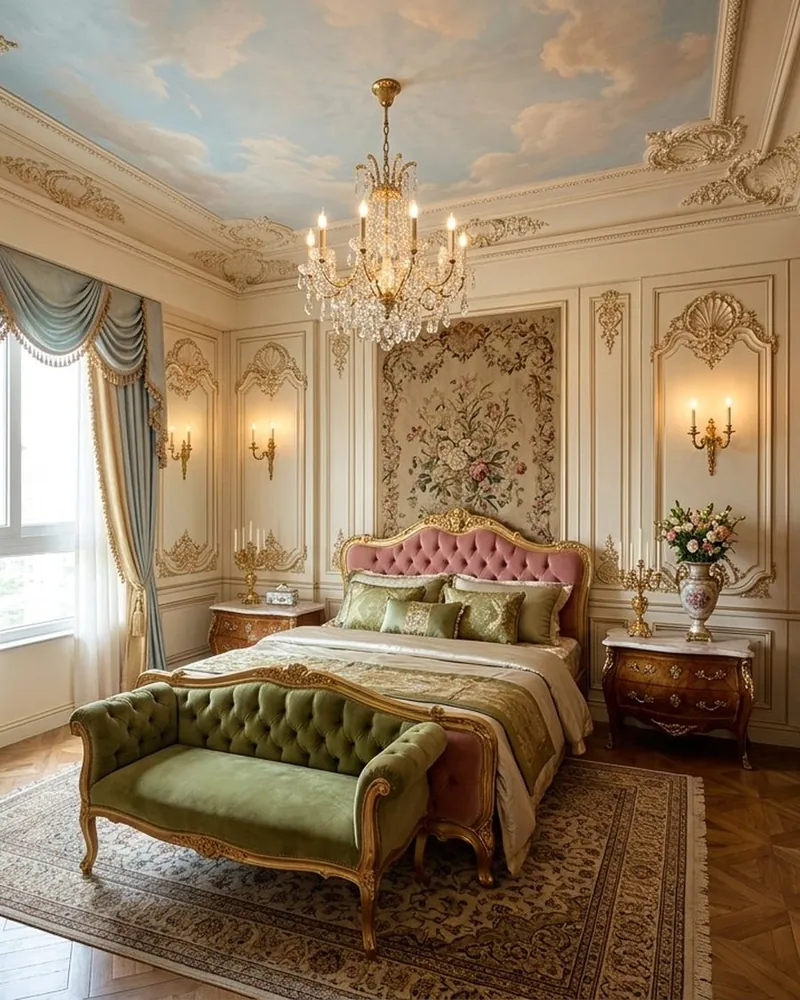
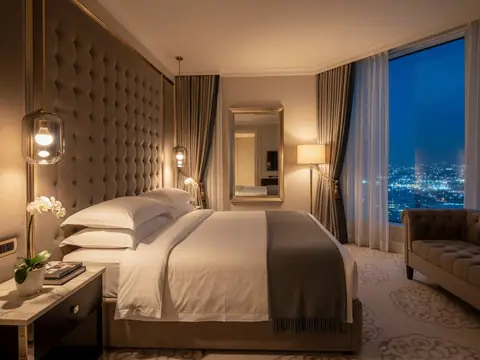
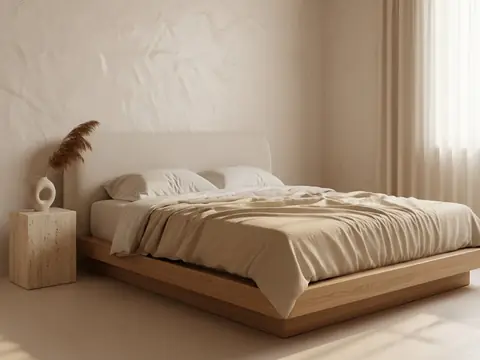
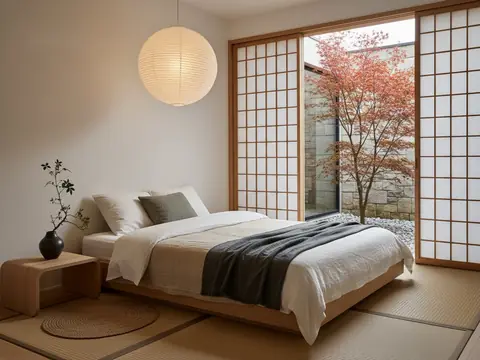
  • A bedroom, same walls and windowsA bedroom, same walls and windows
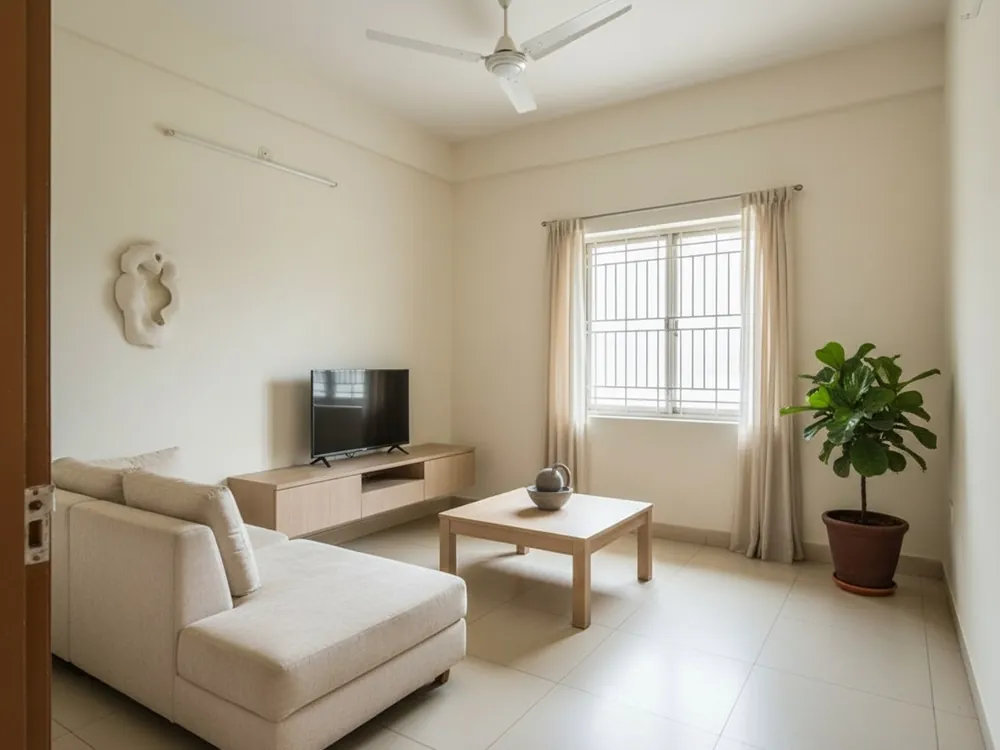
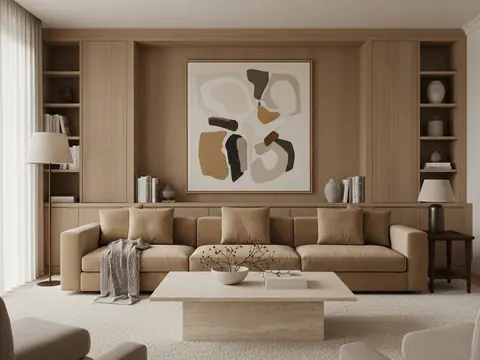
  • Renovate: new finishes, same roomRenovate: new finishes, same room
  • New furniture, walls keptNew furniture, walls kept

What an AI interior design app actually does

Most people cannot picture a room before it exists, and a mood board of other people's homes rarely helps. Nivista works on the photograph of your own room. You choose a style and a job, and the AI redraws the room in that style while keeping the parts that make it yours: the window where it is, the ceiling fan, the shape of the room and the camera angle. It is a visual, not a construction drawing — think of it as the conversation you would have with a designer, with the picture in front of you. Slide between before and after to see exactly what changed, ask for one change in plain words, and every design is saved to your library.

Renovate, keep your walls, or empty the room

Not every home needs the same job. Renovate restyles the whole room — furniture, curtains, lighting and finishes. If your tiles and paint are new, keep the switch "Keep my walls, floor & ceiling" on and only the furniture changes. Moving into a bare flat? Furnish the empty room. Living with clutter you want to see past? Empty the room first, then furnish it. You can also erase a single object, or change only one surface — wall paint, flooring or the ceiling — and leave the rest alone. For staging and renovation, Nivista reads the result back and redraws once if a window or door was added or removed.

How to take a photo that gives a good design

An interior designer would tell you to photograph the room the way you want to see it. Stand in a corner or a doorway so two walls are in view, hold the phone at chest height and keep it level. Shoot in daylight with the lights on, and include the window — it sets the light for the whole design. Clear the floor of bags and buckets if you can; the AI draws what it sees. A kitchen, a dining area, a study and a child's bedroom each have their own needs, so tell Nivista which room it is. If you like a result but not one detail, refine it instead of starting again.

Who uses it

Families planning a renovation who want to agree on a look before calling a contractor. First-time owners of a new flat deciding between a warm teak room and a quiet Japandi one. Couples settling the bedroom argument with two pictures instead of ten tabs. Anyone who wants to send the family group a seven-second before-and-after reveal on WhatsApp. Interior designers and carpenters use the same app, with a business workspace inside it, to show clients a design on their own wall. Nivista speaks English and Hindi and switches instantly. No design skills needed.

How it works

  1. 1Take one photo of your room
  2. 2Pick a job and one of 70 styles
  3. 3See it finished in about 30 seconds

Questions people ask

Which is the best AI interior design app for Indian homes?

Choose one built for the homes you live in. Nivista has 70 interior styles with Indian and global looks side by side — Chettinad, Kerala wood, Mughal marble beside Japandi and Scandinavian — vastu-aware floor plans, festival décor, and Hindi as well as English. It works from a photograph of your own room, not a stock picture.

Can AI design my room from a photo?

Yes. Photograph the room, pick a style and a job, and Nivista returns the designed room in about 30 seconds. It keeps your windows, ceiling fan, room shape and camera angle, so you see your room restyled rather than somebody else's. You can then refine one detail in plain words.

Is Nivista free to use?

Nivista is in private beta. It is free to join, you start with three credits and there is no card or payment to enter. One credit makes one design. If a design fails, the credit comes back automatically.

Will the AI change my windows and walls?

Only if you ask it to. Renovate can change finishes, but keeping "Keep my walls, floor & ceiling" switched on changes only the furniture. After a staging or renovation, Nivista checks the result for added or removed windows and doors and redraws once if it finds one.

Can I design a kitchen, study or kids room too?

Yes. Tell Nivista which room it is — living, bedroom, kitchen, dining, study, kids or pooja — and the design is furnished for that room. Many styles can be previewed as a kitchen, dining room, study or child's room before you choose.

Is the design a construction drawing?

No. It is a visual to help you decide what you want. Use it to brief your designer, carpenter or contractor, who will measure the room and confirm what can be built. Shop the look gives estimated price ranges, which are planning figures, not quotations.

Try it on your own room

See it on a photo of your own room before you spend anything.

Free to join3 credits to startNo card