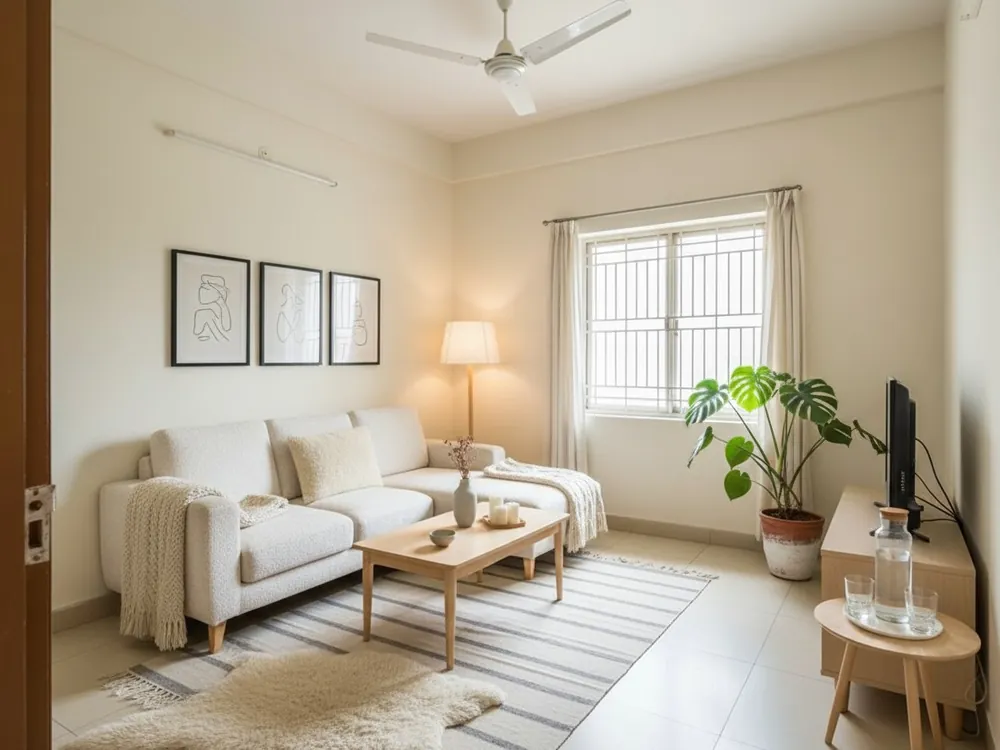
What virtual staging is
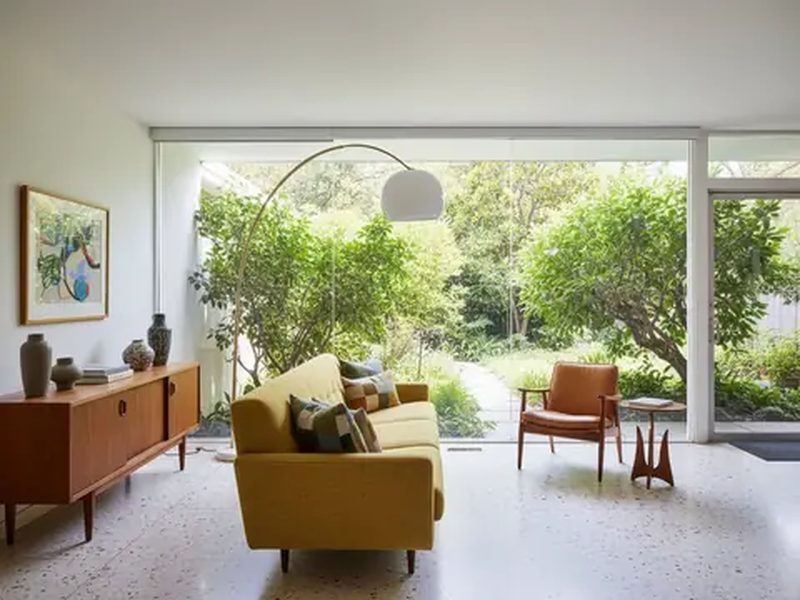
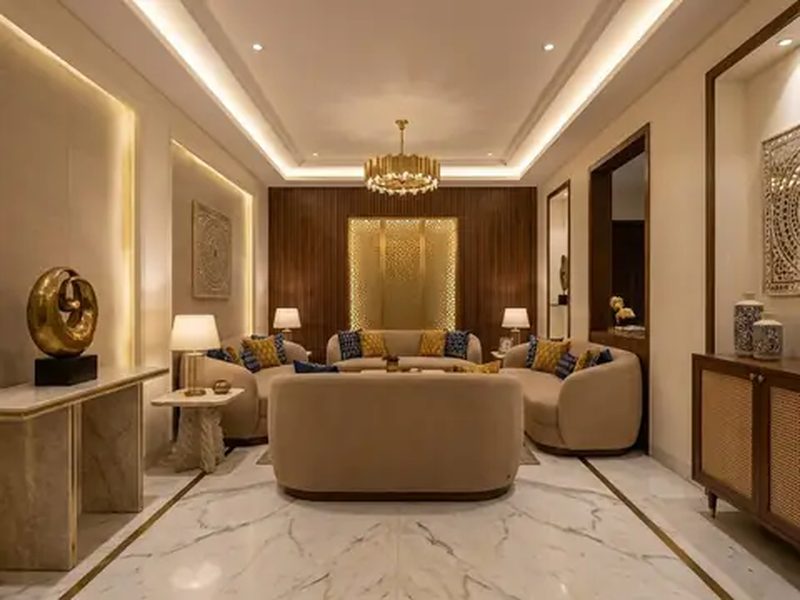
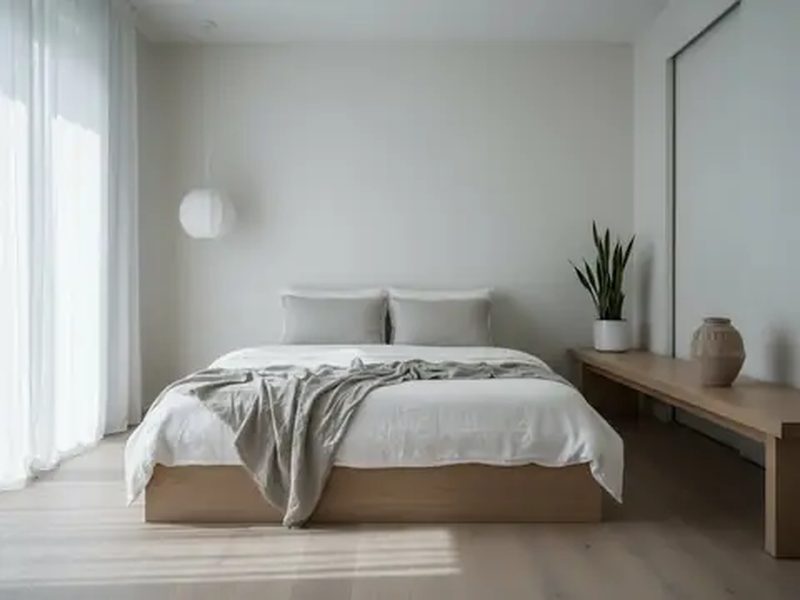
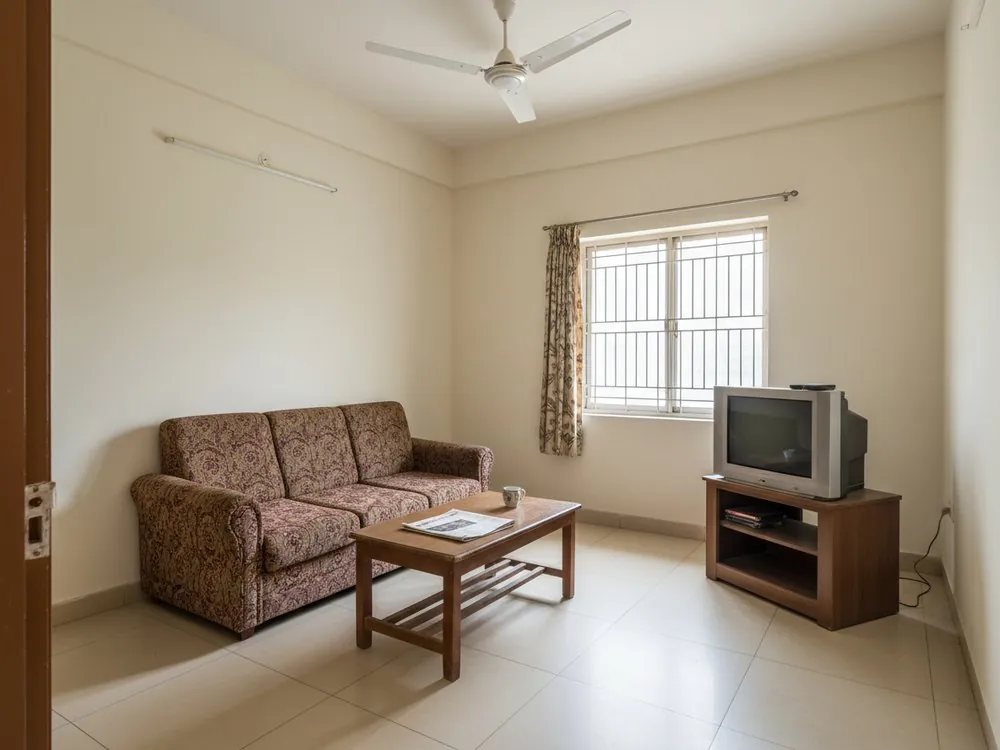
Physical staging means renting furniture, trucking it in and arranging it for a few photographs. Virtual staging does the same job on the picture: the AI places a sofa, a bed, rugs, curtains, lamps and art into the photograph of an empty room. In Nivista the shell stays as you shot it — the same walls, windows, doors and daylight — and only the furnishing is new. After every staging, Nivista reads the result back and redraws once if a window or door was added or removed, because a staged photo that changes the room is worse than no staging at all. If the room already has furniture, Nivista notices and replaces only the furniture.
For flat owners moving in
Before you buy a single piece, see how a 3-seater sofa sits against that wall, whether a dining table for six fits, and how warm teak looks against your vitrified floor. Try a few styles on the same room — Indo Contemporary, Scandinavian Warm, Quiet Luxury — and keep the one the family agrees on. Every result comes with Shop the look: the pieces in the picture itemised with an estimated range and store links, so you can plan a budget. Practical advice from designers: measure the room before you shop, leave about 3 feet of walking space in front of seating, and size the rug so at least the front legs of the sofa sit on it.
For builders, brokers and rental listings
A furnished picture helps a buyer or tenant read the scale of a room — where the bed goes, whether the living room takes a sofa and a dining table. Stage the empty photographs of a sample flat or a resale listing in a style that suits the buyer you expect: compact and clever for a city one-bedroom, warm and earthy for a family home, quiet luxury for a premium tower. A good practice for any listing: say clearly that the images are virtually staged, and show the empty photo alongside. Buyers trust a listing more when they know what they will actually walk into.
Getting a clean staged photo
Shoot the empty room in daylight from a corner, with two walls and the window in view and the phone held level. Wide, bright photos stage best; very dark or very tilted ones give the AI less to work with. If the room is a panorama, Nivista trims the black stitching bars before it designs. Tell Nivista which room it is — a bedroom is furnished differently from a study or a child's room. If one detail is off, ask for it in plain words — lighter curtains, a smaller table — instead of starting again. Every result can be shared as a seven-second before-and-after video.