Show the client: designs on their own wall
A 221-design catalogue across 12 categories — wardrobes, kitchens, TV units, lofts, pooja units, shoe racks, crockery units, beds, dressing units, study units, panelling and doors — each photographed in several views, with finishes you can switch. Measure the client's wall, and Nivista draws the unit on their photo at the size you entered. Your own designs work too: upload a photo of past work and it becomes part of your library. Any render can be saved onto the project. Catalogue pictures are served with a small mark naming your business and are shared with clients as a link, not a file. Paint, flooring, ceiling and staging tools are here as well, to win the job before you quote it.
Quote it, and get it approved by phone
Build a quotation from your rate card: each line carries the picture the client agreed to and the sizes it was measured from, with design photos from the camera, gallery, your portfolio or the catalogue. The client gets a link — your logo, their name, mobile, flat and address, every item with its pictures, and the total. They approve on their own phone by signing in with their registered number, so the approval is tied to them. The approved revision is frozen and cannot quietly change; a later change becomes a new revision. An evidence pack records who approved what and when. A PDF is there for your records.
Build it: the carpenter sheet
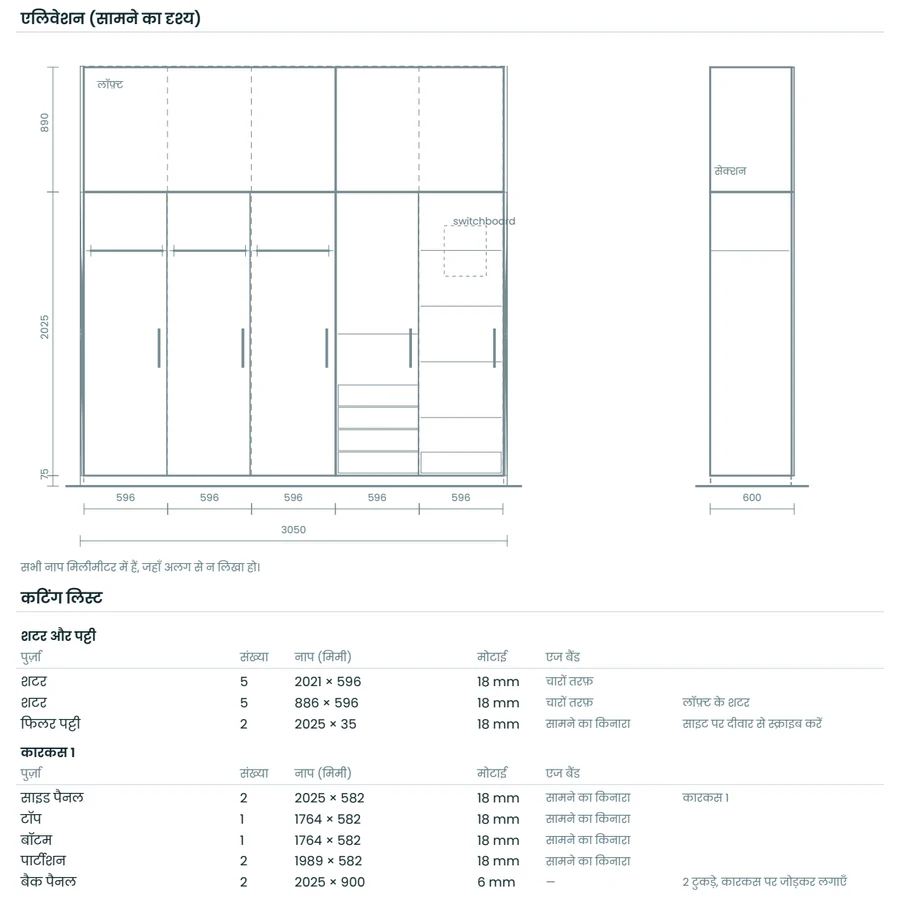
Enter the wall width and ceiling height, pick a shutter division, and Nivista produces a carpenter sheet (कारीगर शीट): an elevation and side section, a cutting list of every panel with sizes, the hardware list, and material quantities. It prints as an A4 PDF in Hindi or English, because most carpenters work from paper. There is no AI anywhere near the numbers — every size comes from a fixed rule book, so the drawing and the cutting list always agree. Wardrobes, lofts, TV units and shoe racks are supported today, from the catalogue, your own design or a unit you describe. A project order list totals materials across the whole job.
Run the site, and get found
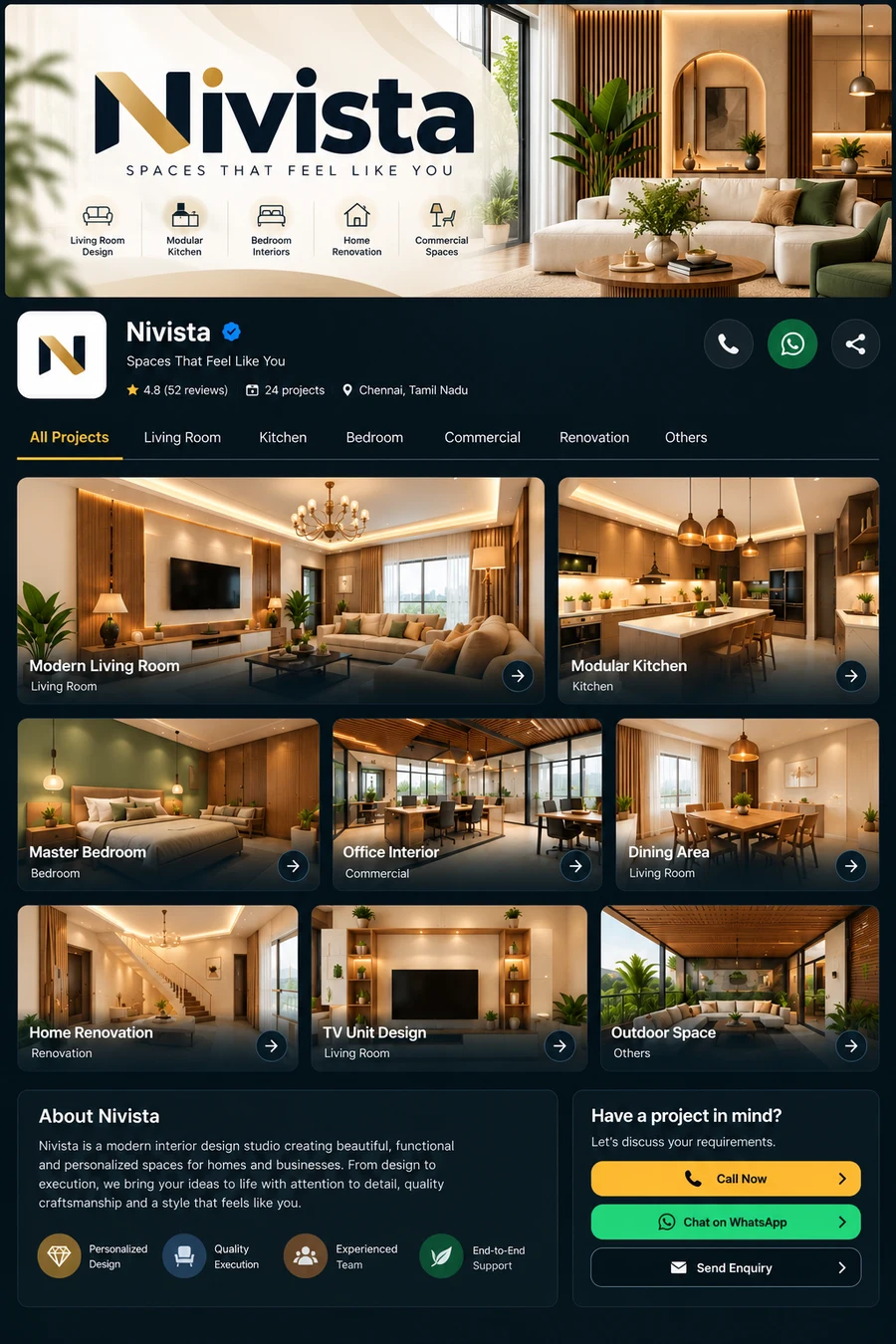
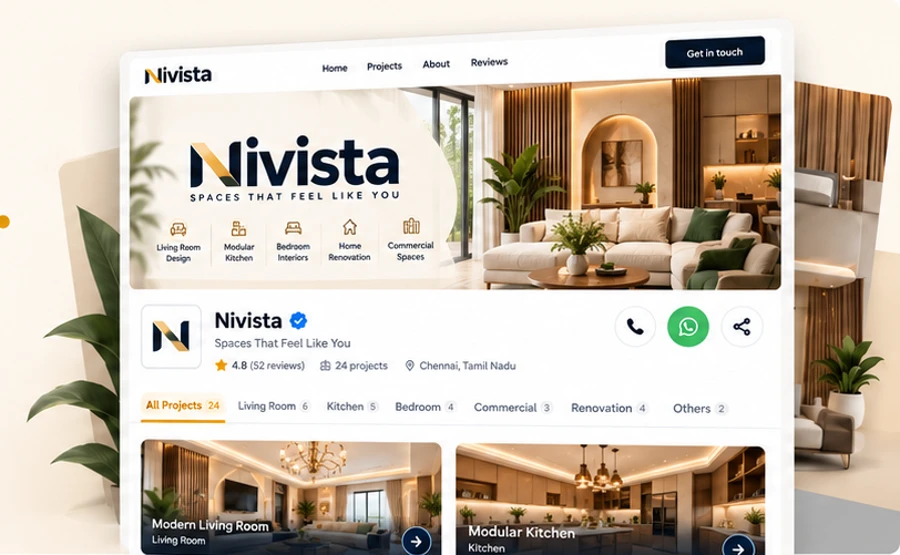
Add supervisors to a project and they post daily site updates with photos from the phone; progress is weighted by the value of the work, and supervisors never see your prices. Your public business page shows your portfolio by room, with Call and WhatsApp buttons for new enquiries, and never shows client names, addresses or prices. The app works in Hindi and English. Nivista Pro is set up by our team on a business plan — tell us about your business through Contact sales and we call you back. There is no price on this page, by design.